Financial Analysis
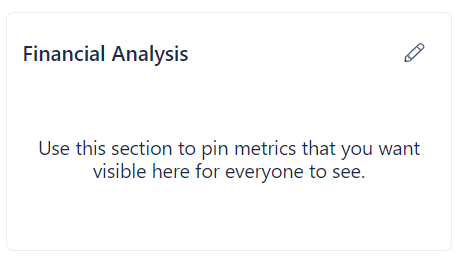
Financial Analysis allows you to display metrics previously recorded in UW Analysis.
Add a pinned metric
- Click on the pencil icon in the top right corner of the Financial Analysis box
- Select Edit pinned metrics in the dropdown menu
- Click + Add Metric
- Select the desired metric in the dropdown menu
- Click Add
Remove a pinned metric
- Click on the pencil icon in the top right corner of the Financial Analysis box
- Select Edit pinned metrics in the dropdown menu
- Click on the box next to the metric you want to unpin
- Click Actions
- Select Remove metric
Create new Analysis
If you want to create a new metric or analysis, see UW Analysis.
If the metric value does not match the value stored in UW Analysis, make sure the Current Analysis is set correctly.