All the Deals contained within an organization can be found on the Deals tab of the Organization Overview page. They can also be navigated to from within the context of a given portfolio. Below you will find quick links to view a guide for the various deal modules as well as information on creating a deal.
Overview
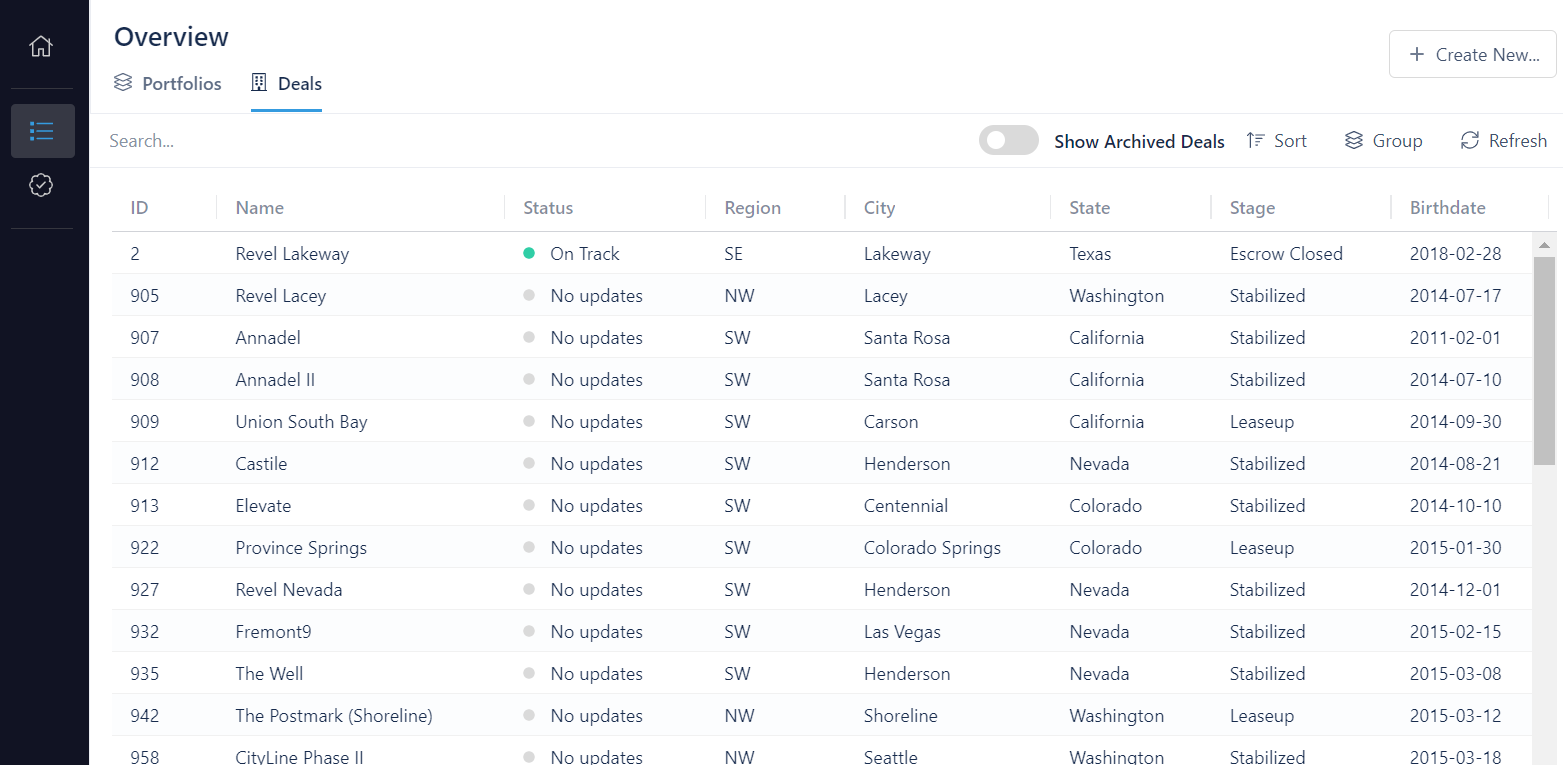
When you click on a deal, you will be taken to the Summary Page for a deal. This is one of several modules where data can be managed for the project. Use the following links to jump to the guide for the selected module:
- Summary Page
- Team
- Contacts
- Approvals
- Project Schedule
- Project Budget
- Underwriting Analysis
- Checklists
- GC Estimates
- Construction
- Buildings
- Bonds
Creating a Deal
A deal can be created by anyone within your organization. When created, the individual who created it will be designated as the owner and will have the ability to manage the set of users and groups that have access to the project.

To create a new deal:
- Click on Overview on the sidebar
- Click on the + Create New... dropdown menu on the far right of the screen and choose New Deal
- Enter a Name and select a Deal Type from the drop-down menu
- Enter the deal location using an address or coordinates
- Choose a privacy level (By default this is set to Public: Read Only)
- Click Create Deal
After creating a deal, it can be found in the Deals section of the Overview page. You can use filters or the search bar to find it more easily.
Editing a Deal
The basic attributes of a deal can be edited from within the deal's Summary Page. Other data linked to a project can be edited from within the various deal modules listed above.