The Approvals and Approval Packages modules can be used to create approval packages for a deal. This section will provide useful links for accessing topics on Approvals.
For in depth details about using the Approvals module, see the Help Guide on Approval Packages.
Overview
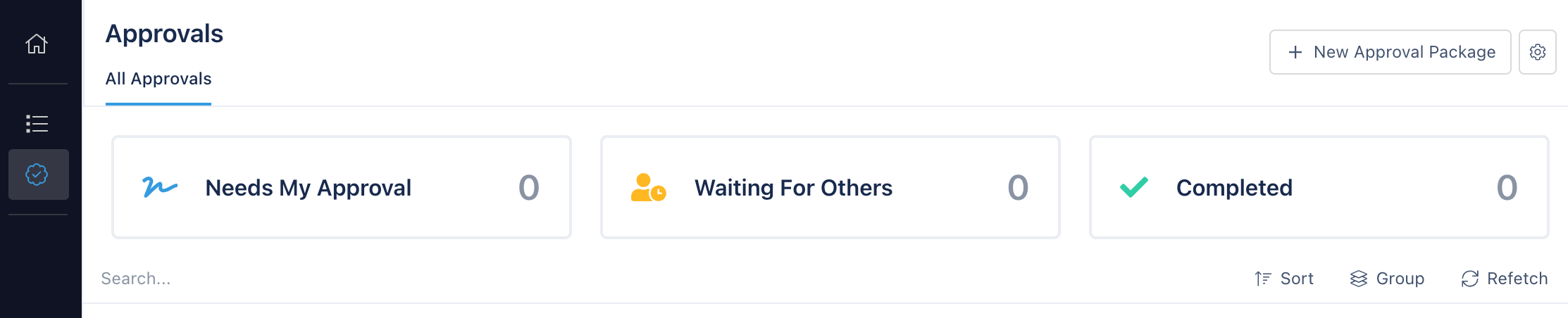
A integral part of project management for real estate transactions is making sure that a deal and its details are given proper approvals along the way by the right parties. This could be by a designated investment committee or a specific individual. The approvals module within the app provides a way to create approval packages that can be approved and tracked in the platform.
The journey that a deal takes from inception to completion is different for a given organization, but often follows a defined process for like deals. With the approvals module, you can create templated approval packages that can be re-used throughout the organization and for multiple deals.
Accessing Approvals
There are two distict ways to access approvals within the app.
The first is by accessing the main approvals module by clicking on Approvals in the main sidebar of the app, located on the left side of of the browser window. This will take you to a viewing showing the current approvals that are underway within the organization, and provide insights into approvals that you may be involved with if you are a designated Approval Package reviewer.
The second way of accessing approvals is within the context of a deal. After navigating to view the details of a deal, the deal Approvals module can be viewed in the deal sidebar at the left of the screen. Approvals and approval packages shown in this section are scoped to the deal that is currently being accessed.
For more information on how Approvals are performed in the app, see Approval Packages.