Deal GC Estimates
The Deal GC Estimates page allows users to store the details of a GC estimate and show if it has been approved or not.
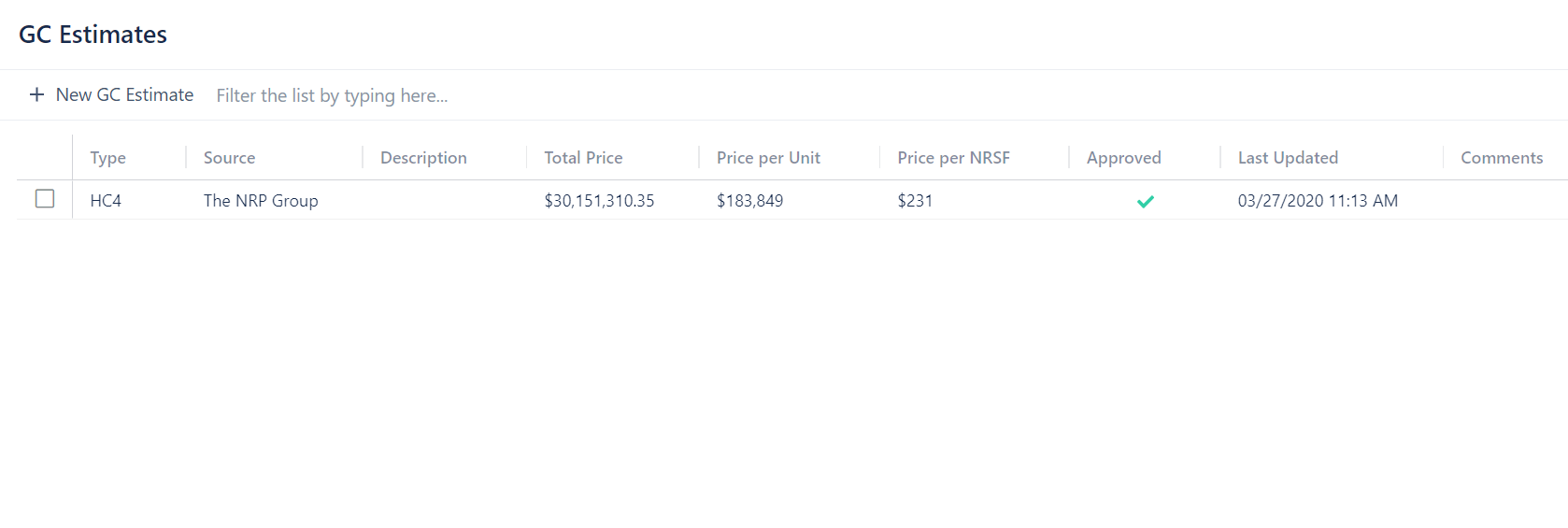
To add a new GC estimate:
- Click on + New GC Estimate
- Select a Type and Firm from the dropdown menus
- Fill in the other boxes as necessary
- Toggle the approved button to mark a GC estimate as approved or unapproved
- Click Create
If the GC estimate Type you need is not available, go to Deal Configuration to see how to add a new GC estimate Type.
To edit a GC estimate:
- Click on the GC estimate you want to edit
- Edit the options as desired
- Click Update