As mentioned earlier in this guide, an Organization is the home for a set of deals, portfolios, approval packages, and reports. Most users that access WolffTrax are likely to only ever access it through a single organization, though as a user you can belong to many. Additionaly, an organization can be configured to perfectly fit the needs for your various types of deals.
Details on how to configure specific sections of an organization can be found in the Help Guide on Managing an Organizagtion.
Viewing Organization Data
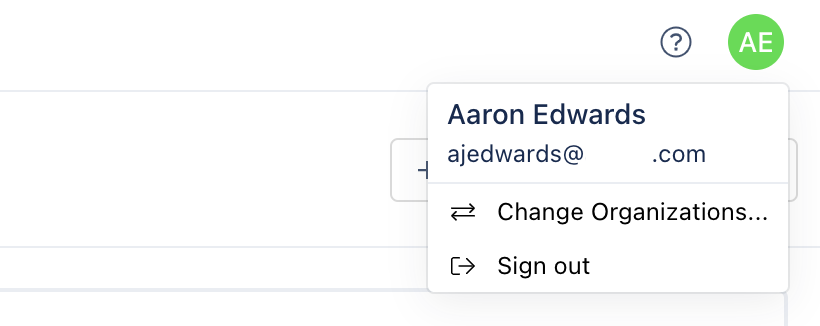
Data within WolffTrax is only ever shown for a single organization at a time. If you are a user who has access to multiple organizations, you can change the current organization you are viewing by clicking on your user avatar in the top right corner of the navigation bar at the top of the page and selecting, Change Organizations. This will present you with a view where all of the organizations that you have access to are displayed and clicking on one will take you to the selected organizations overview page.
Settings & Configuration
There are a variety of settings and configuration options for an organization. These allow you to configure which users and groups can assist in configuring an organization as well as give you the ability to tweak things like the deal types, events, and checklists that are used throghout the app, just to name a few.
Below are the various settings sections that can be accessed:
- Permissions
- Users
- Groups
- Roles
- Deal Configuration
- Checklists
- Schedule Events
- UW Analysis
- Budget
View more details on configuring a deal within the Administration & Settings section.