Deal Team
The Team page shows all the deal's team members and their roles. On this page you can add and remove team members. Using the search bar, sort, and group tools you can look for specific team members.
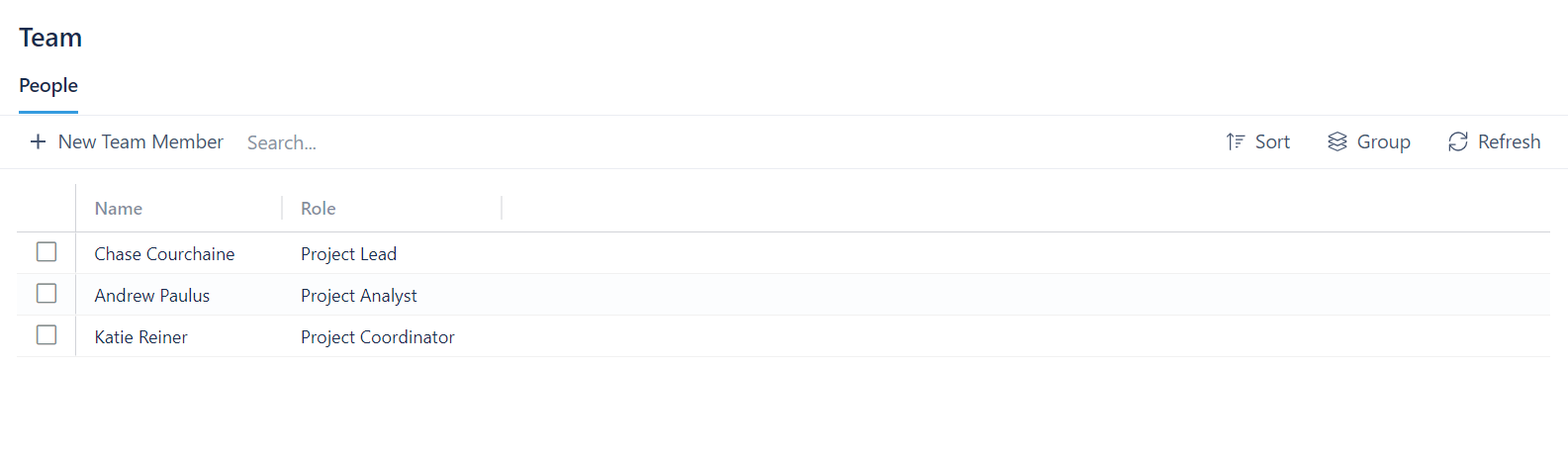
Adding a Team Member
To add a team member:
- Click + New Team Member
- Select a person from the dropdown menu
- Select a role for the new team member
- Click Add Team Member
If the role you're looking for isn't listed, see Managing Team Roles
Removing a Team Member
To remove a team member:
- Click on the box next to the name of the team member(s) you want to remove
- Click on the Actions box that appears next to the + New Team Member button
- Click Remove Selected