Deal Contacts
On the Contacts page you can see contacts associated with a deal. If available, you will also be able to see their name, title, firm, email, and cell phone. You can use the search bar, sort, and group tools to look for specific contacts. On this page you can also create, assign, and delete contacts.
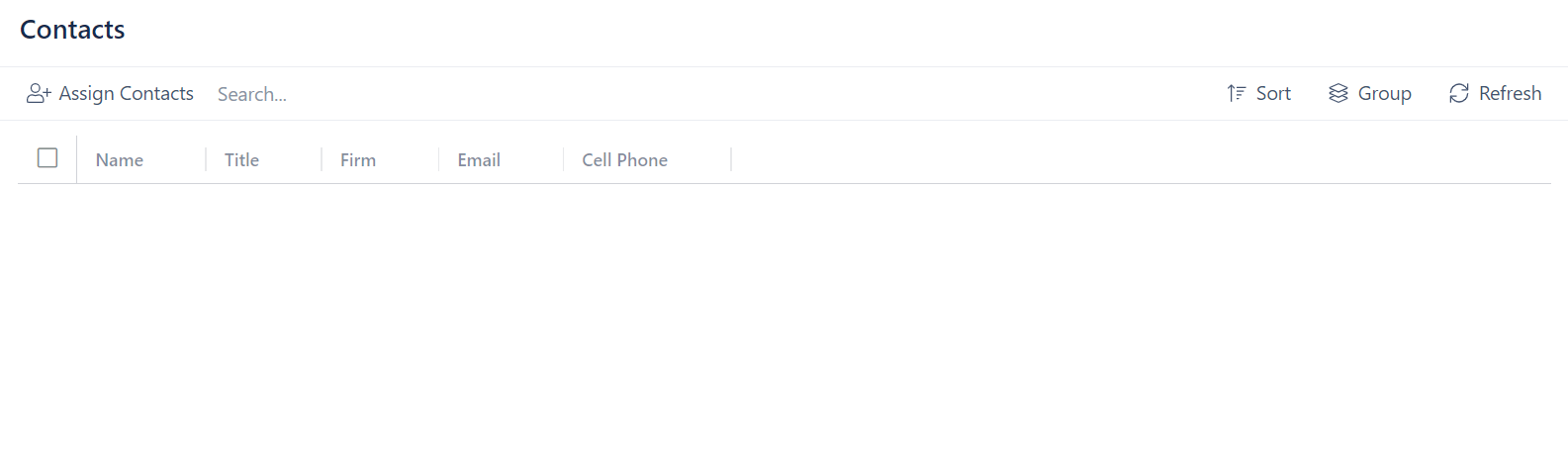
Assign a Contact
In order to assign a contact to a deal, the contact must already exist. See below how to create a contact.
To assign a contact:
- Click Assign Contacts
- Look for a contact in the list or using the search bar
- Check the box next to the contact's name
- Click Assign Selected Contacts
Create a Contact
When contacts are created, they will automatically be assigned to the given deal. The contact you create will also be added to the global list of contacts for a given deal's portfolio.
- Click Assign Contacts
- Click + Create New Contact
- Enter the contact's name, title, firm, email, and cell phone
- Enter any notes if necessary
- Click Create
Delete a Contact
- Click on the box next to a contact's name
- Click on the Actions box that appearns next to the Assign Contacts button
- Click Remove Selected