Managing Team Roles
When working in the Team section of a Deal, there are different roles a team member can have. Those different roles come from the Team Roles section of Organization Settings. This page shows you the various roles available and allows you to add, edit, disable, and delete roles.
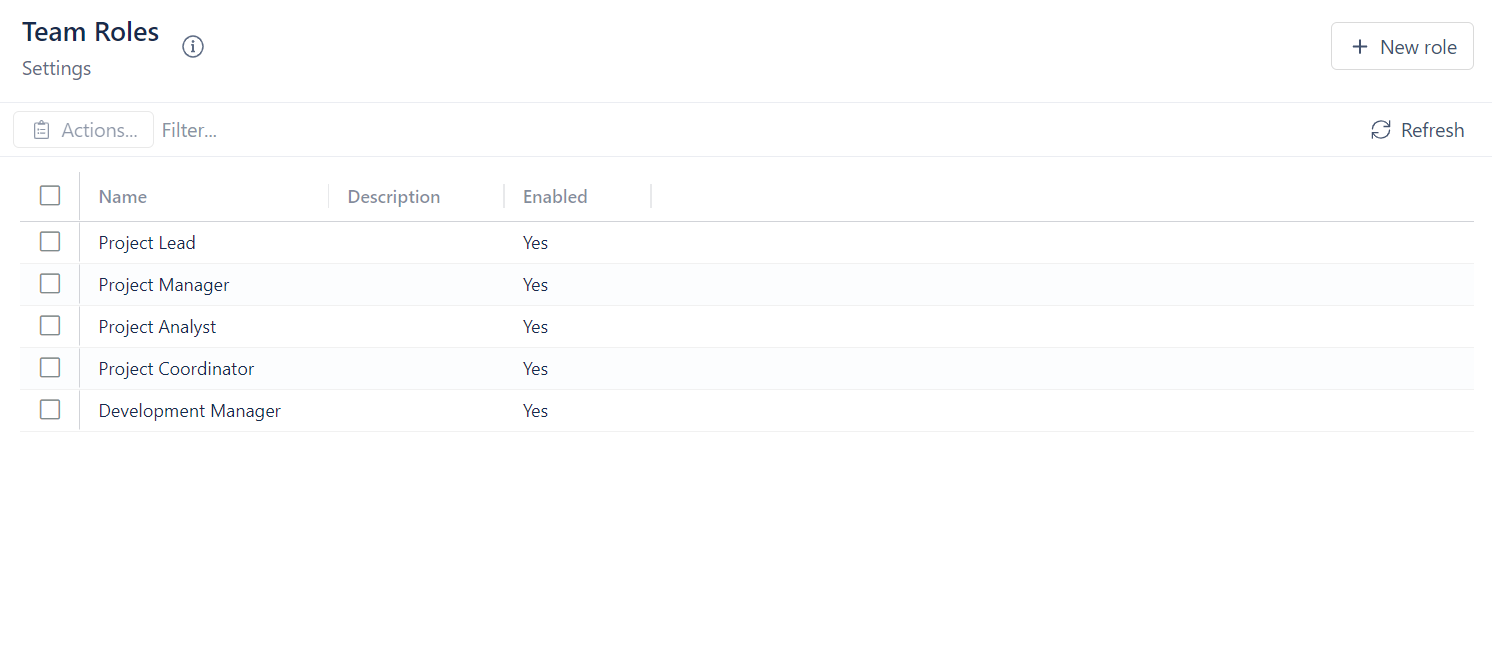
To create a new role:
- Click on + New Role
- Enter the name of the new role
- Enter the description of the role
- Click Create
To delete a role:
- Click on the box next to the name of the role you want to delete
- Click on Actions
- Select Delete selected role
- Select Yes, Delete role
To edit a role:
- Click on the box next to the name of the role you want to edit
- Click on Actions
- Select Edit selected role
- Edit the name and/or description
- Click Save
To disable a role:
- Click on the box next to the name of the role you want to delete
- Click on Actions
- Select Disable selected role
- Select Yes, disable role