Manging Users
The Users page contains a list of all the members in an organization. When other pages or features in WolffTrax provide a list of members, they pull from this list. Adding users to this list will make them available in other parts of WolffTrax.
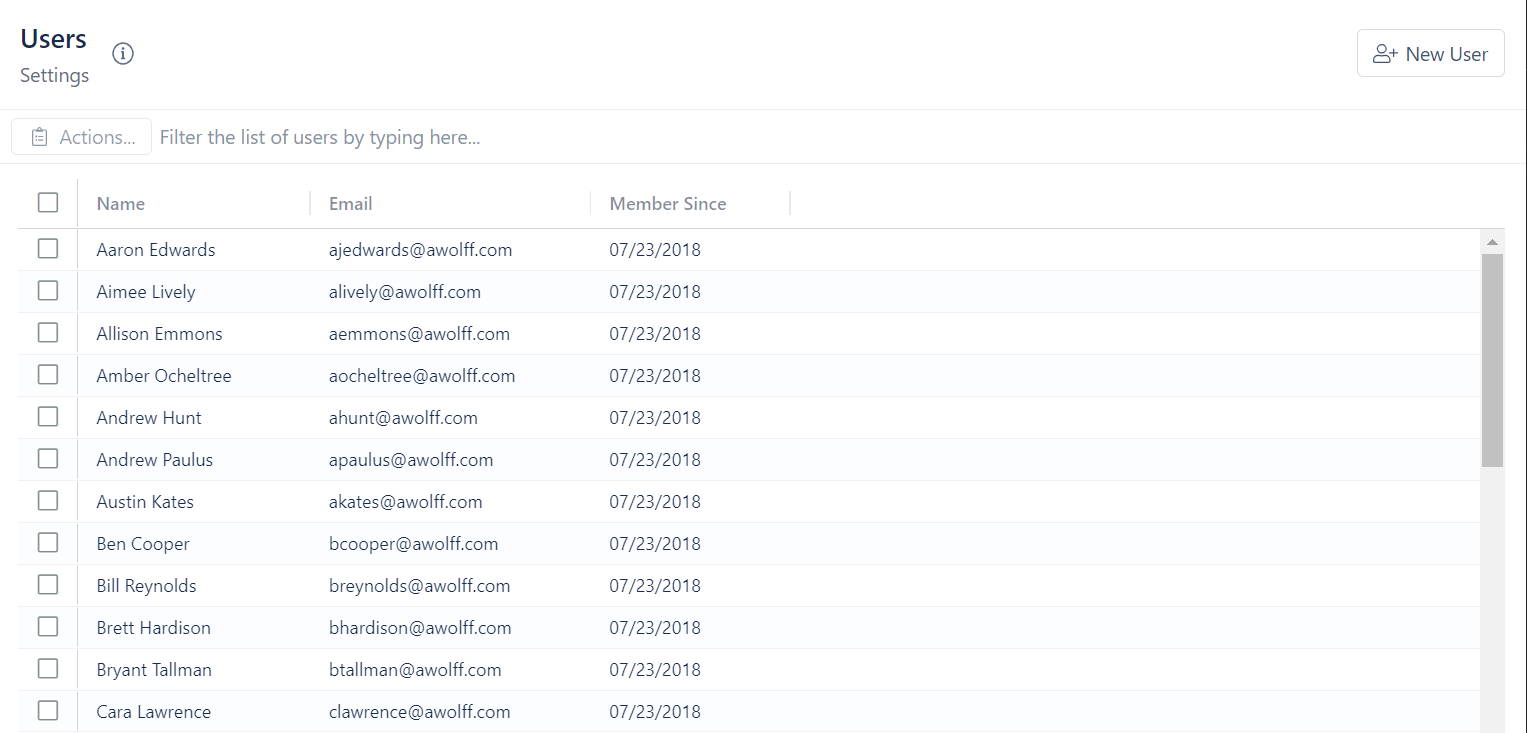
To add users:
This feature is not yet available
To remove users:
- Click on the box next to the name of the user you want to remove
- Click on Actions
- Select Remove User From Organization