Admin Overview
In WolffTrax users that are granted "admin" status have special permissions. These permissions are accessed in Organization Settings. This part of WolffTrax is accessed by clicking on the settings button in the bottom left corner of the screen.
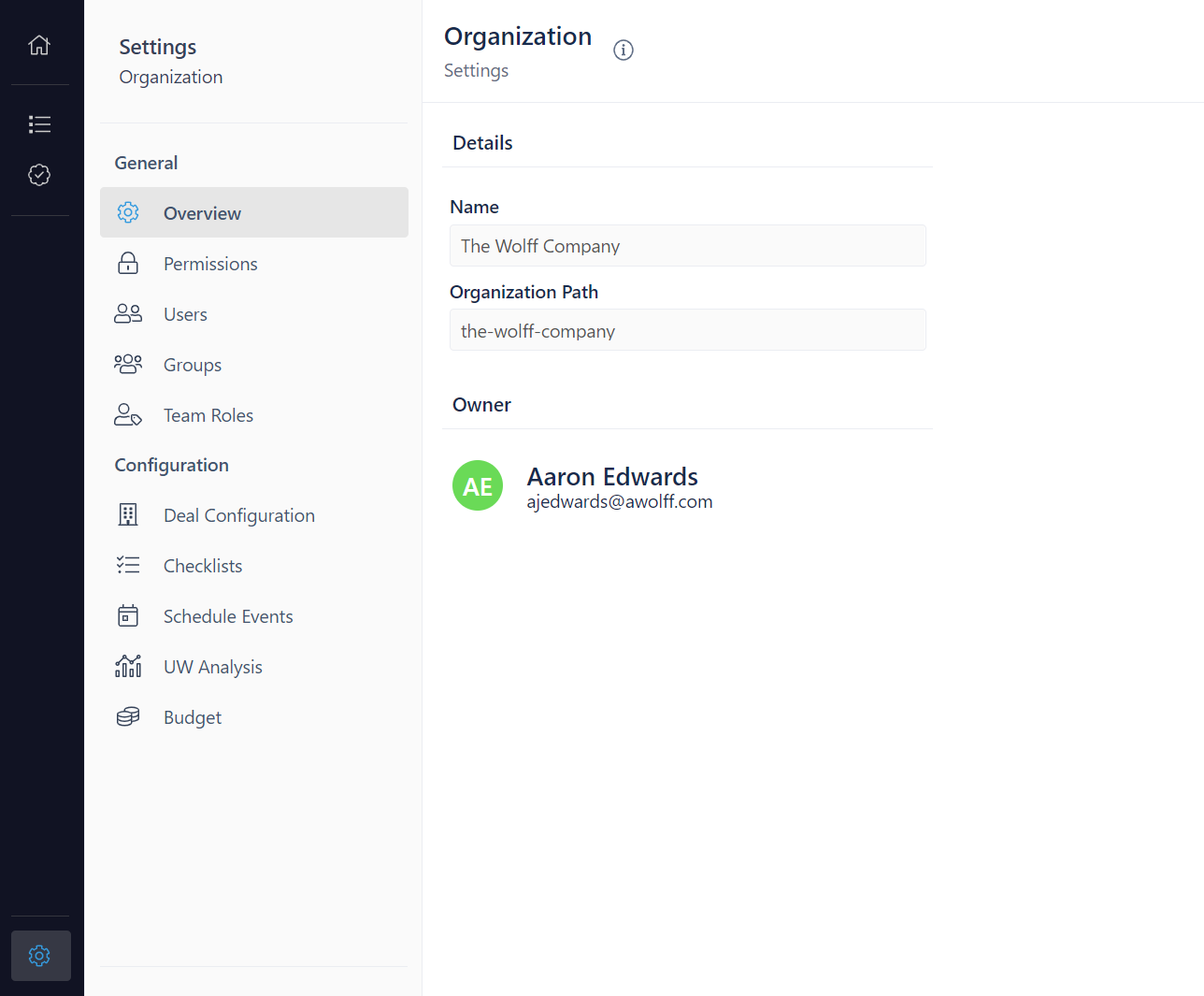
When you click on Organization Settings, you will first be taken to the Overview page that is seen above. The sidebar on the left shows you the different pages you have access to. The pages and their features will be discussed in the sections that follow.