Managing Permissions
Permissions allows you to define the permissions given to preexisting user. There are three different types of permisions: Owner, Contributor, and Reader. Owner and Contributors can edit organizations settings while Readers can only view them.
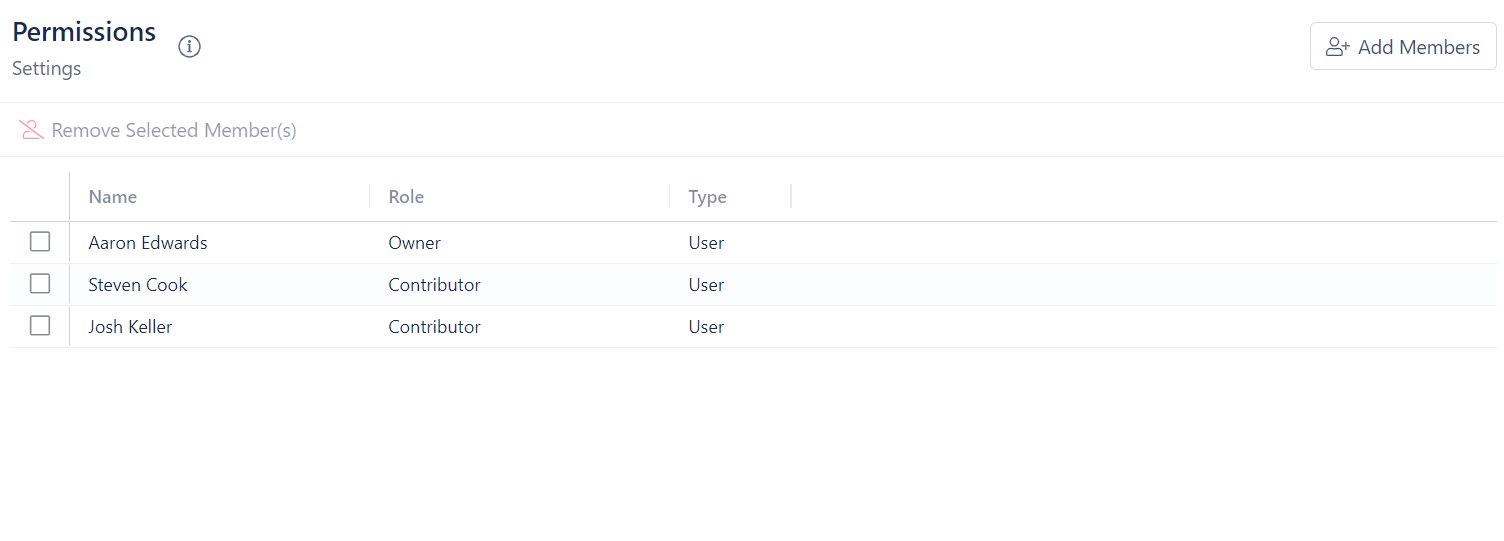
To add members:
- Click Add Members
- Select the Role the new members will have
- Select the Members you want to add
- Click Add Selected Members
To remove members:
- Click on the box next to the member you want to remove
- Click on Remove Selected Member(s)