UW Analysis Configuration
UW Analysis Configuration allows you to manage the metrics and scenarios that can be used in a deal.
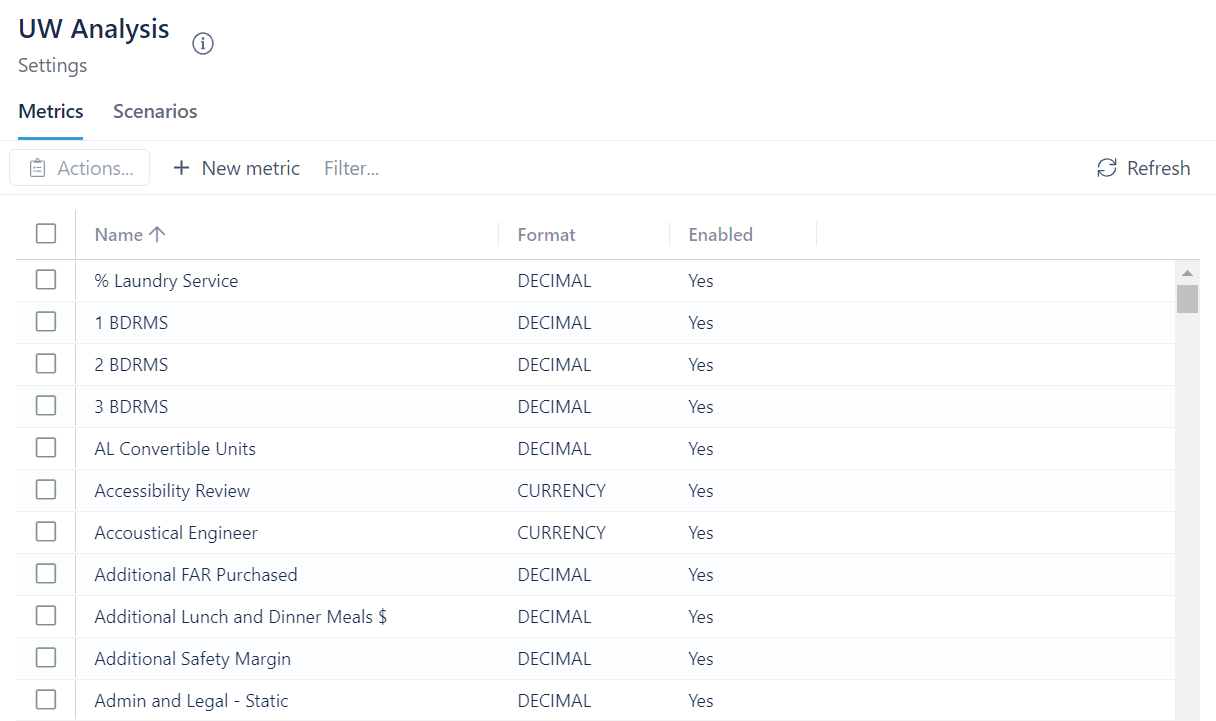
Metrics
To add a new metric:
- Click on + New metric
- Enter a name
- Select the format
- Click Create
To edit a metric:
- Click on the metric you want to edit
- Click on Actions
- Select Edit selected metric
- Change the name and/or format of the metric
- Add a unit (optional)
- Click Update
To disable/enable a metric:
- Click on the metric you want to disable/enable
- Click on Actions
- Select Disable/Enable selected metric
- Click on Yes, disable/enable metric
To delete a metric:
- Click on the metric you want to delete
- Click on Actions
- Click on Delete selected metric
- Click on Yes, Delete metric
Scenarios
To add a new scenario:
- Click on + New scenario
- Enter a name
- Click Create
To edit a scenario:
- Click on the scenario you want to edit
- Click on Actions
- Select Edit selected scenario
- Change the name of the scenario
- Click Rename
To delete a scenario:
- Click on the scenario you want to delete
- Click on Actions
- Select Delete selected scenario
- Click Yes, Delete scenario